 LootDock
Your account: data, plan and signing out
Download everything, manage your plan, and sign out on every device from My account.
Open More, then My account.
Download my data gives you a full copy of everything in one file. Or download Items, Sales or Spending as spreadsheets.
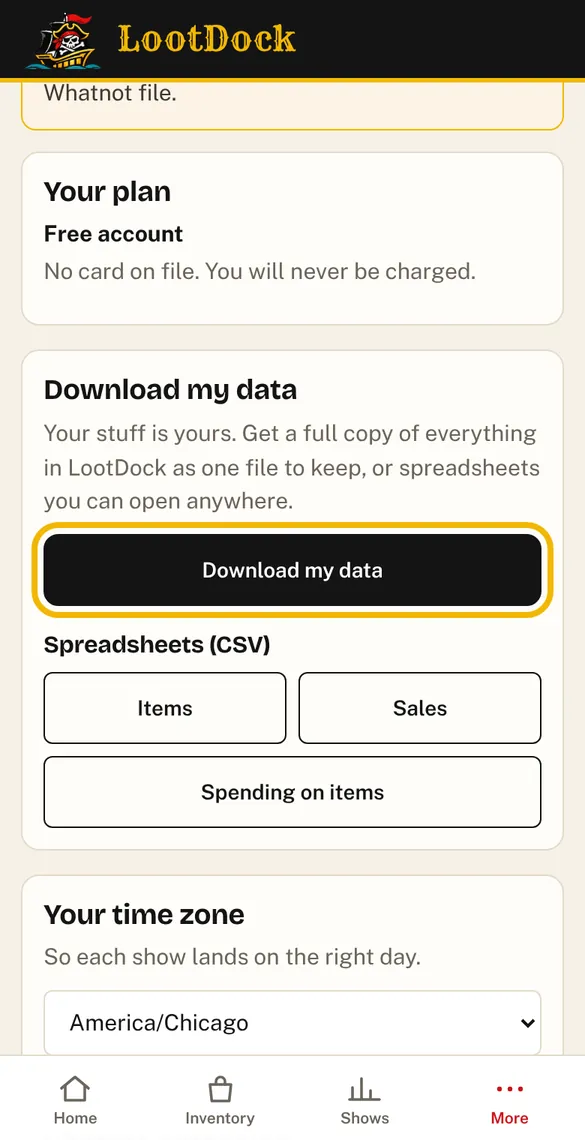
Your plan shows your plan and next charge. Tap Manage billing to change your card, switch plans or cancel.
Lost a phone or signed in on someone else's computer? Tap Sign out on all devices.
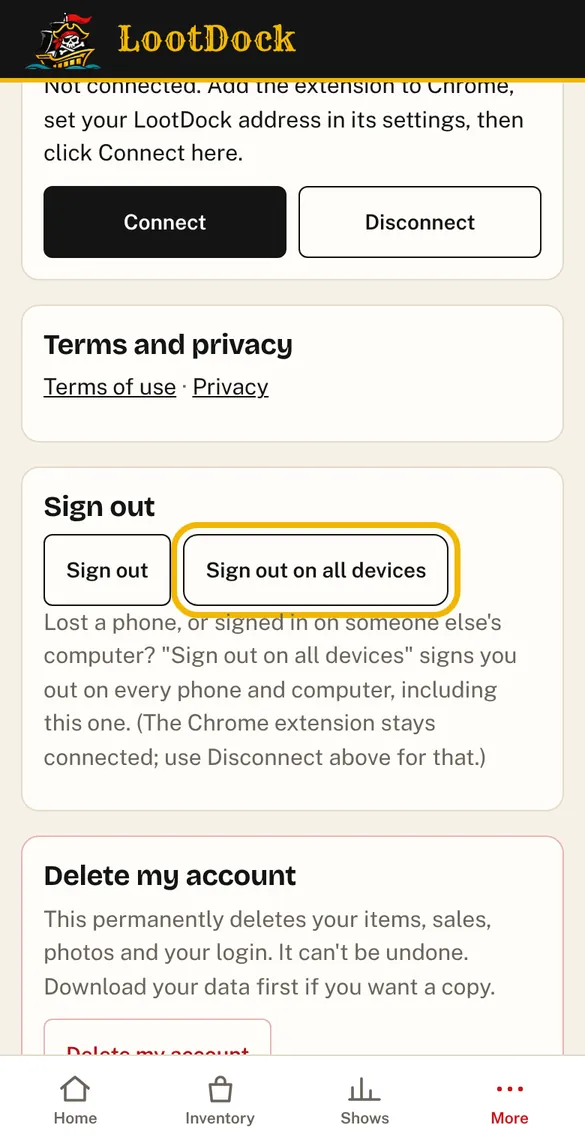
To leave for good, Delete my account permanently deletes your items, sales and login. Download your data first if you want a copy.
Tip: Paying sellers also see Invite a friend here: your friend gets their first month free, and you get a free month when they start paying.
Still stuck? Tap the round Help button in the corner of any LootDock screen to ask us, or see all help.
