 LootDock
Count your shelf
A quick count from your phone keeps your inventory honest and catches anything missing.
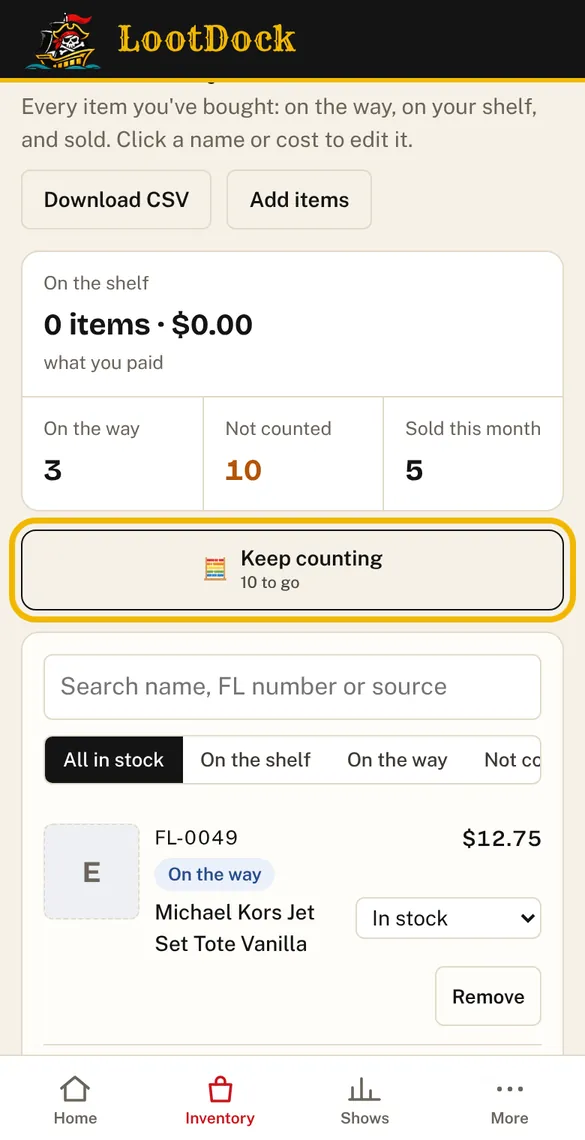
Open Inventory and tap Count the shelf. (If you started a count before, it says Keep counting and how many are left.)
Pick up an item, find its card on the screen and tap it. Narrow the list by color, style, where you bought it or FL number.
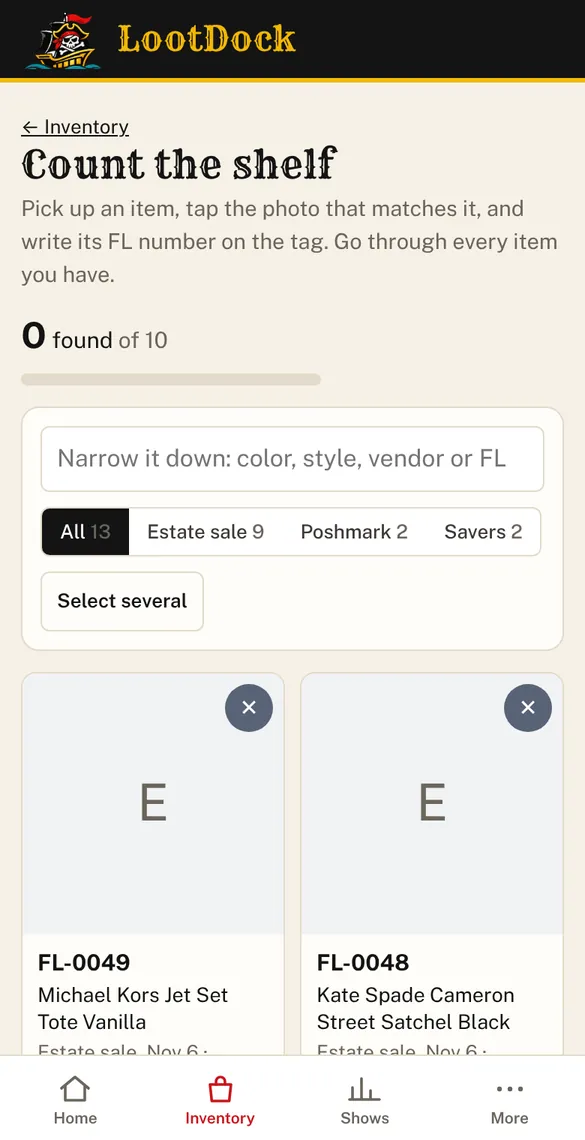
Write the FL number on the item's tag if it doesn't have one yet.
Holding something that isn't in LootDock? Tap It's not in here: add a new item.
Items you can't find? Use Select several to mark them Never came, Not for resale or Counted twice. When you're done, tap I've gone through the shelf.
Tip: Once a month is a good habit. It takes a few minutes and keeps your profit numbers right.
Next: See what each show made. Still stuck? Tap the round Help button in the corner of any LootDock screen to ask us, or see all help.
