 LootDock
See what each show made
Profit per show after Whatnot's fees and what your items cost, plus your totals on Home.
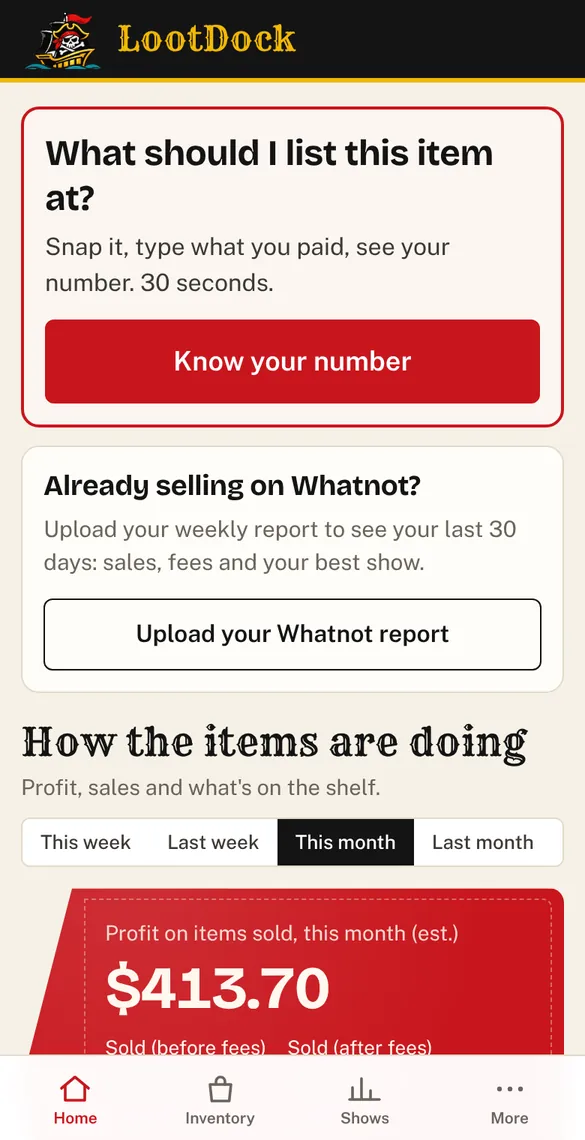
Home shows the big picture: profit on items sold, items sold, profit per item and per show.
Open Shows for every show, newest first. Each card shows the show's profit, items sold, net sales after fees, what the items cost you, and the return on that cost.
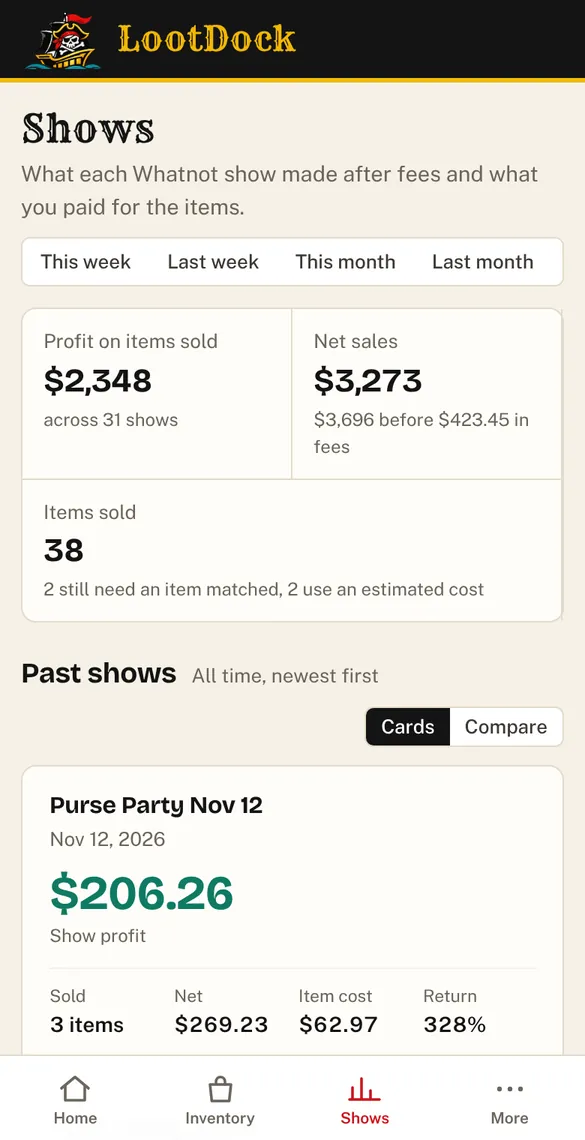
Pick a period at the top (this week, last month, this year, all time) to change the totals.
A ≈ sign means part of the number is estimated, because a sale isn't matched to an item yet. Match it and the estimate becomes the real cost.
Tap Compare to see your shows side by side.
Tip: Giveaways show as a cost on the show: it's what the show spent on them.
Next: Know what to buy and what to list it at. Still stuck? Tap the round Help button in the corner of any LootDock screen to ask us, or see all help.
