 LootDock
Get started with LootDock
Sign up, pick a plan and set up your account in a few minutes.
On lootdock.app, tap Start my free trial and sign in with Google (or get a sign-in link by email, if you see that option).
Pick Monthly or Yearly and add a card. Nothing is charged until your free trial ends, and you can cancel any time before that.
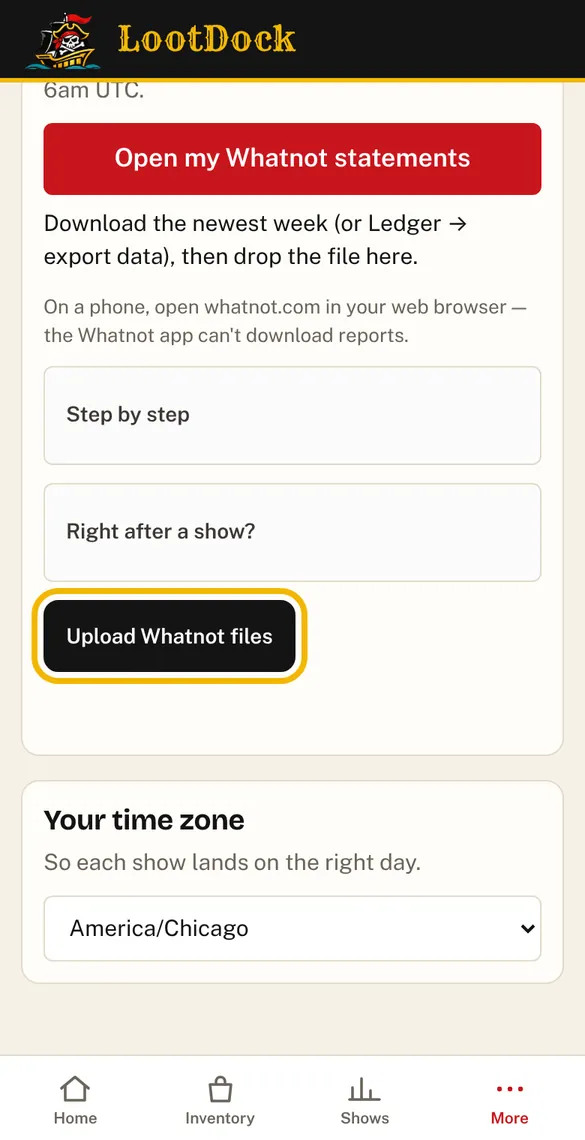
LootDock opens on Set up. Set your time zone first, so every show lands on the right day.
Add the items you have on hand, or tap Skip for now. You can add items any time from Inventory.
Upload your first Whatnot file. The steps are in Bring in your Whatnot sales.
Tip: Want to look around first? On Home, tap See it with example shows to fill LootDock with sample data, then Remove sample data when you are ready.
Next: Bring in your Whatnot sales. Still stuck? Tap the round Help button in the corner of any LootDock screen to ask us, or see all help.
