 LootDock
Bring in your Whatnot sales
Download your weekly Whatnot statement and drop it into LootDock. Sales come in with their real fees.
Open whatnot.com in a web browser. On a phone, use Safari or Chrome: the Whatnot app can't download reports.
Tap your profile picture (top right), then Financials, then the Statements tab. A new weekly statement is ready every Monday.
Download the newest week. (Right after a show, you can also use Ledger, then export data.)
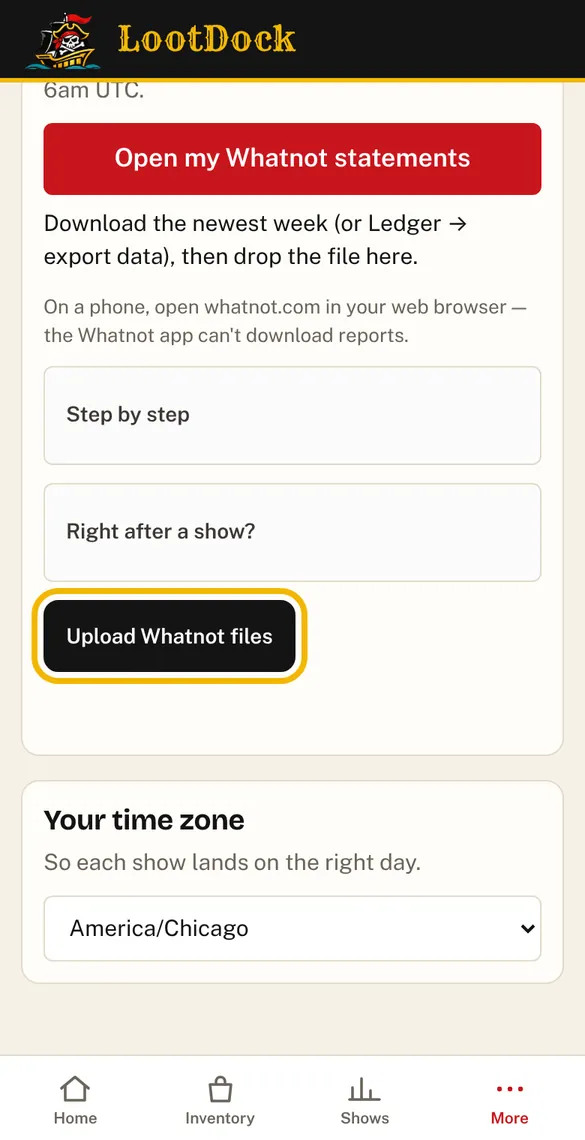
In LootDock: when a new week is ready, Home shows This week's Whatnot report is ready. Tap Choose files and pick the file you downloaded. (While you are setting up, use Upload Whatnot files on the Set up page.) On a computer, you can also drag the file onto Home.
Each sale appears under Sales with Whatnot's fees and your payout. Sales with an item code in the Whatnot listing match their items by themselves. The rest wait for you to match them: see Match a sale to its item.
Tip: Uploading the same week twice is fine. Sales LootDock already has are updated, never counted twice.
Next: Turn on automatic receipts. Still stuck? Tap the round Help button in the corner of any LootDock screen to ask us, or see all help.
